There are a number of different Email Notifications that can be set up within the system.
To Add a new Email Notification, select the (+) symbol.
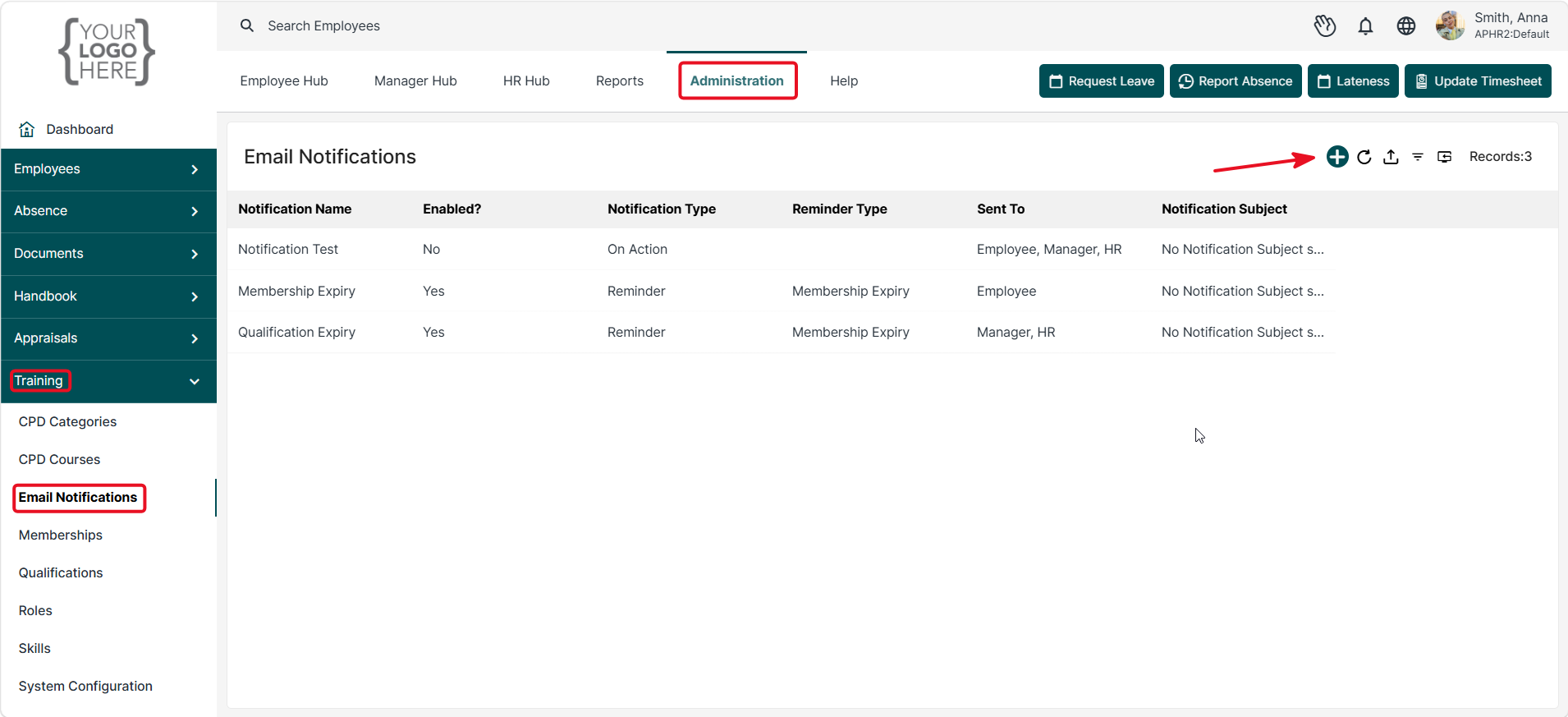
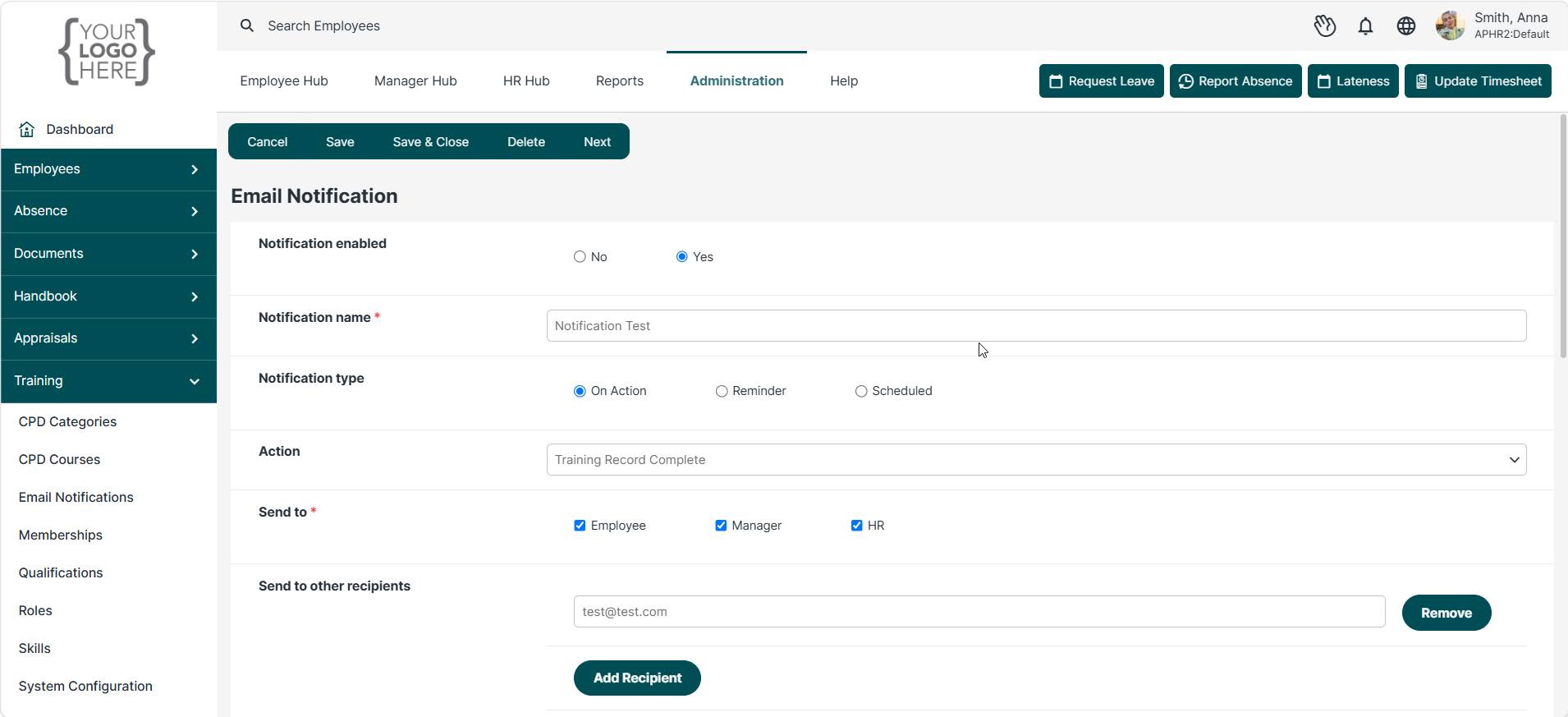
To set up a Notification, select the 'On Action' option. You will then need to select one of the below Actions.
- Training Record Created
- Training Record Complete
- CPD Record Created
This can then be sent to the Employee and/or Manager and HR.
You can also add additional recipients.
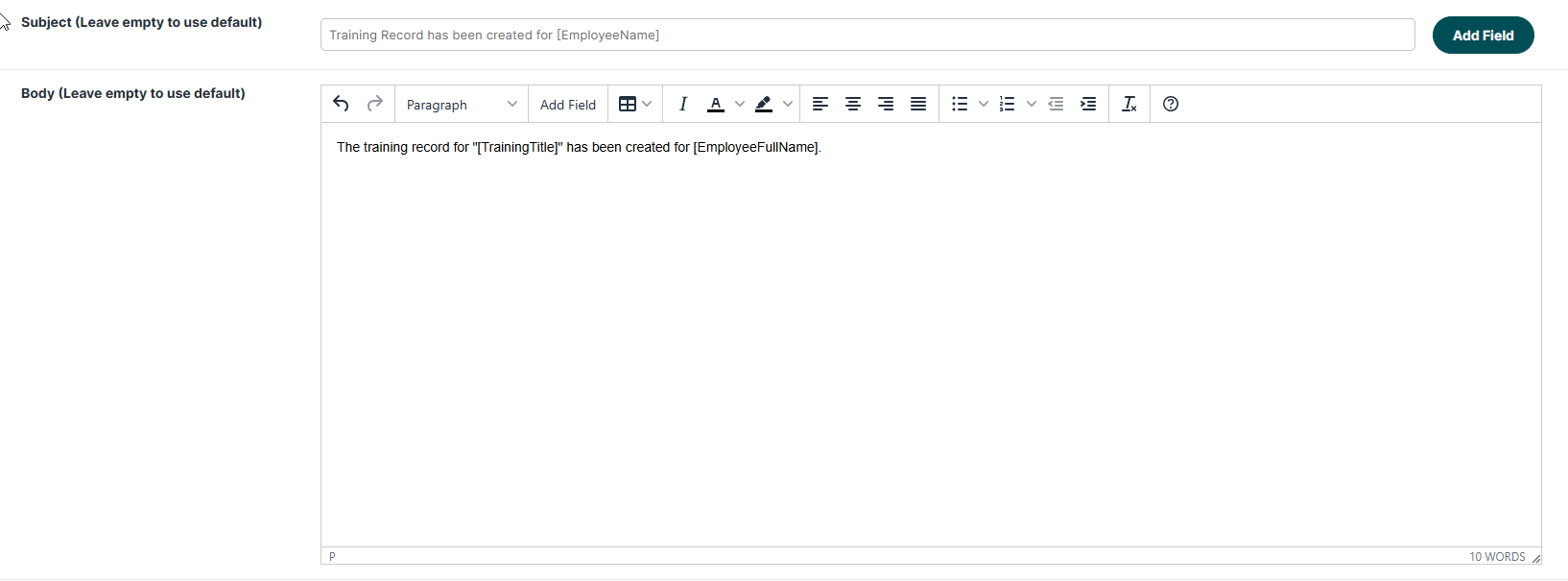
You can also add a custom email to the notification.
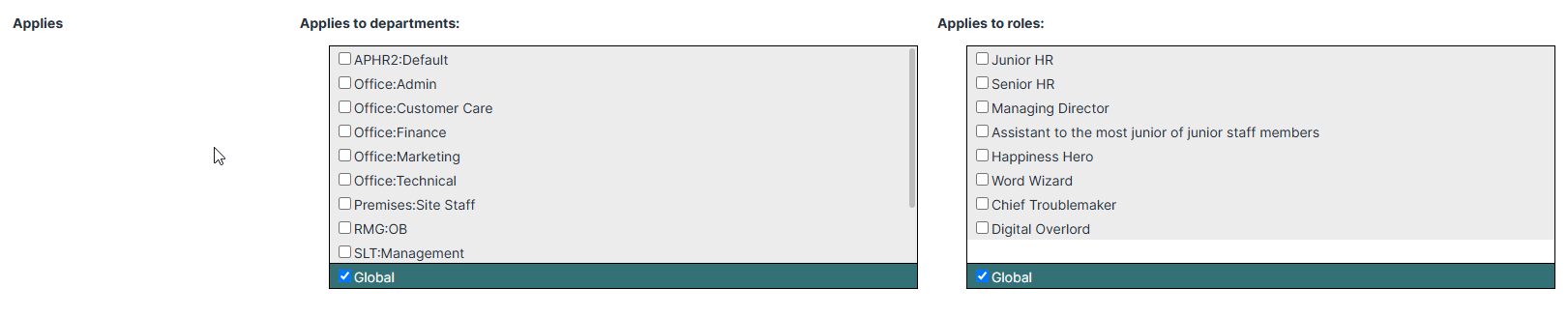
You can also specify who the notification should apply to by selecting Department or Roles.
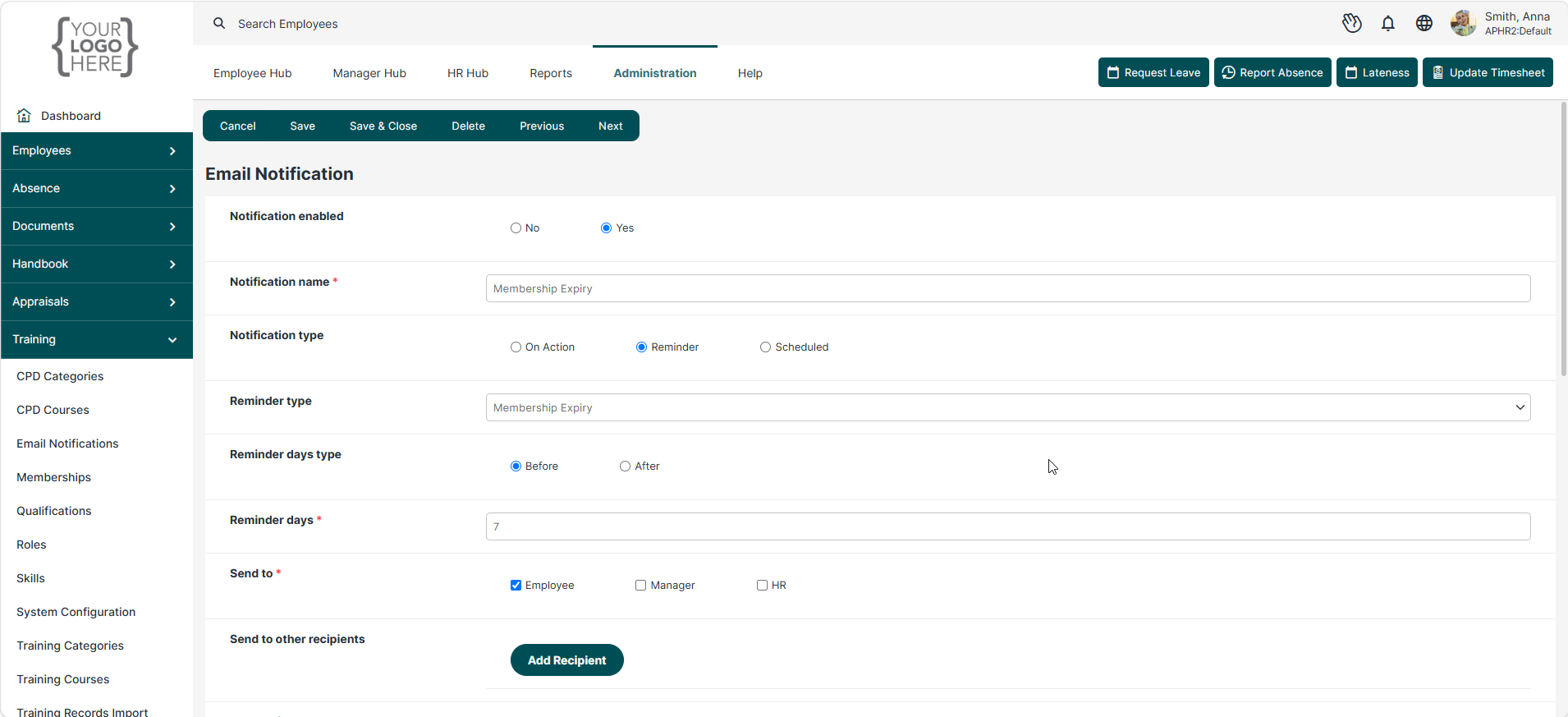
You can also set up a Reminder. Select the Reminder option and the number of days you would like to be notified before the expiry.
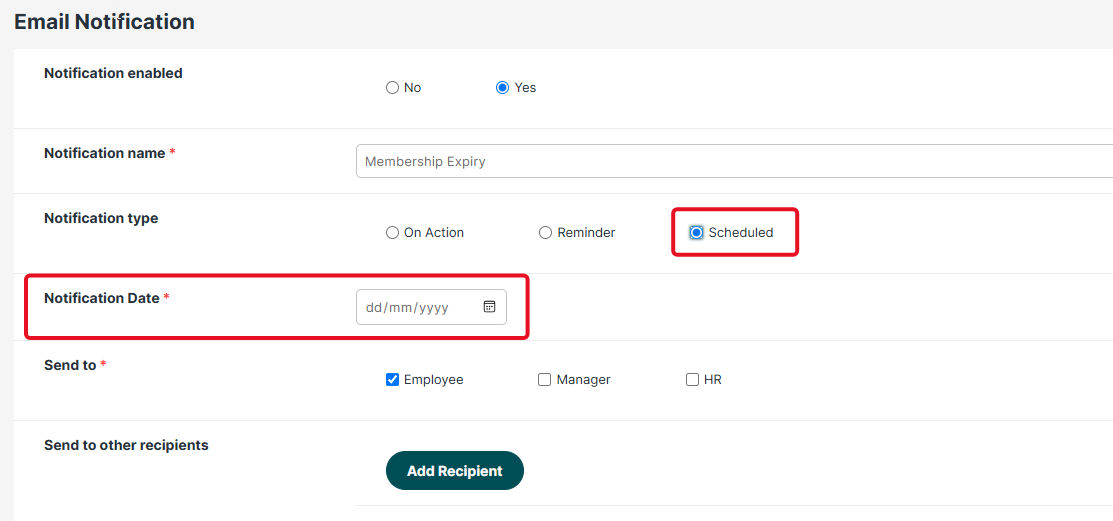
You can also set a specific date for the reminder.
Was this article helpful?
That’s Great!
Thank you for your feedback
Sorry! We couldn't be helpful
Thank you for your feedback
Feedback sent
We appreciate your effort and will try to fix the article