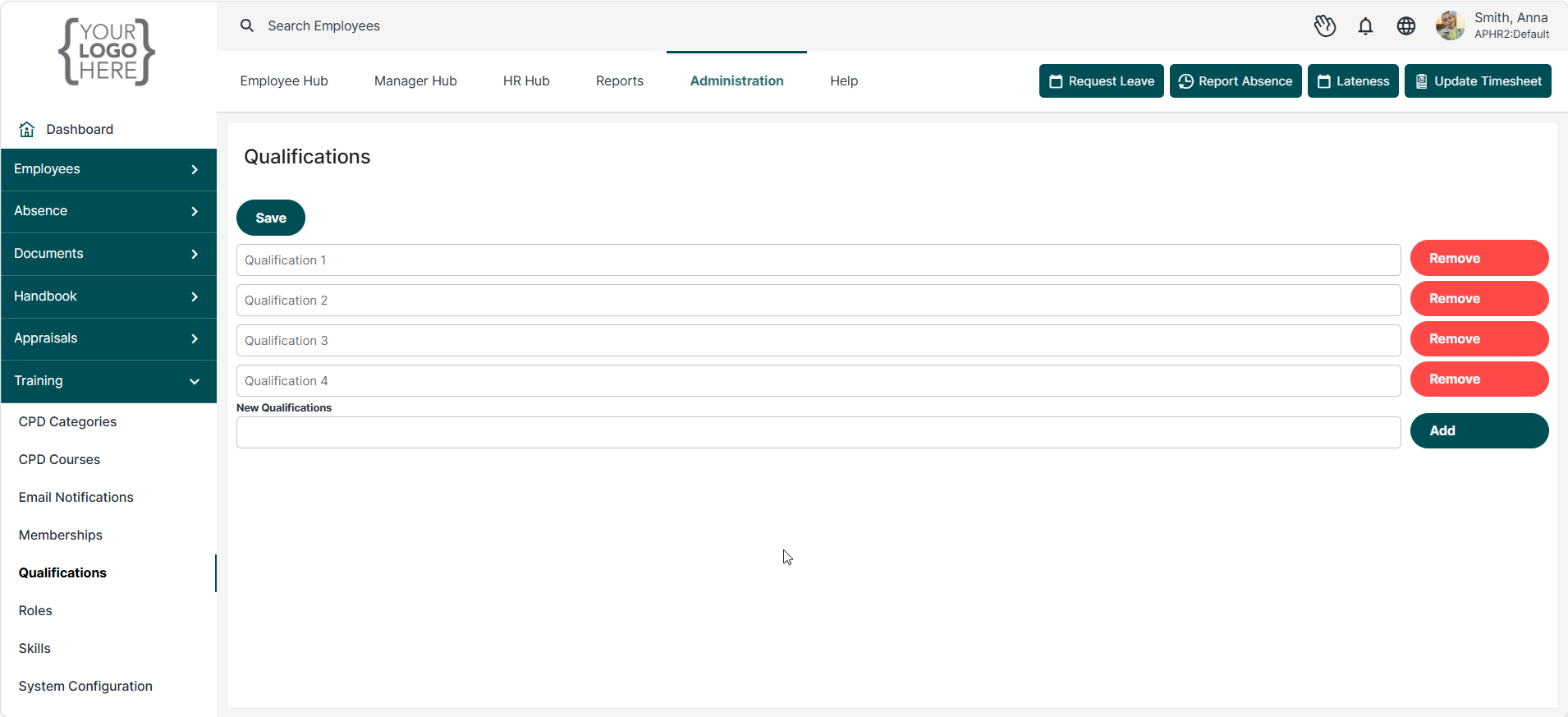
Qualifications allow you to create a list of academic, professional, and vocational qualifications that can be assigned to employee training profiles. Recording qualifications helps organisations maintain accurate employee records, support compliance requirements, and monitor workforce skills and capabilities.
To create a qualification, enter the qualification name in the New Qualifications field and click Add. Select Save to store your changes.
Examples:
- Level 5 Diploma in People Management
- Level 7 Advanced Diploma in Strategic People Management
- Bachelor's Degree in Human Resource Management
- Certificate in Employment Law and Employee Relations
Once saved, qualifications become available for selection within employee training records and profiles. This allows HR teams to track employee qualifications and professional achievements in a centralised location.
Was this article helpful?
That’s Great!
Thank you for your feedback
Sorry! We couldn't be helpful
Thank you for your feedback
Feedback sent
We appreciate your effort and will try to fix the article